Method 1 — Primary
Firmware updater
Install and open the file named
PS5_CM003_V1.05_V223_Update.exe.
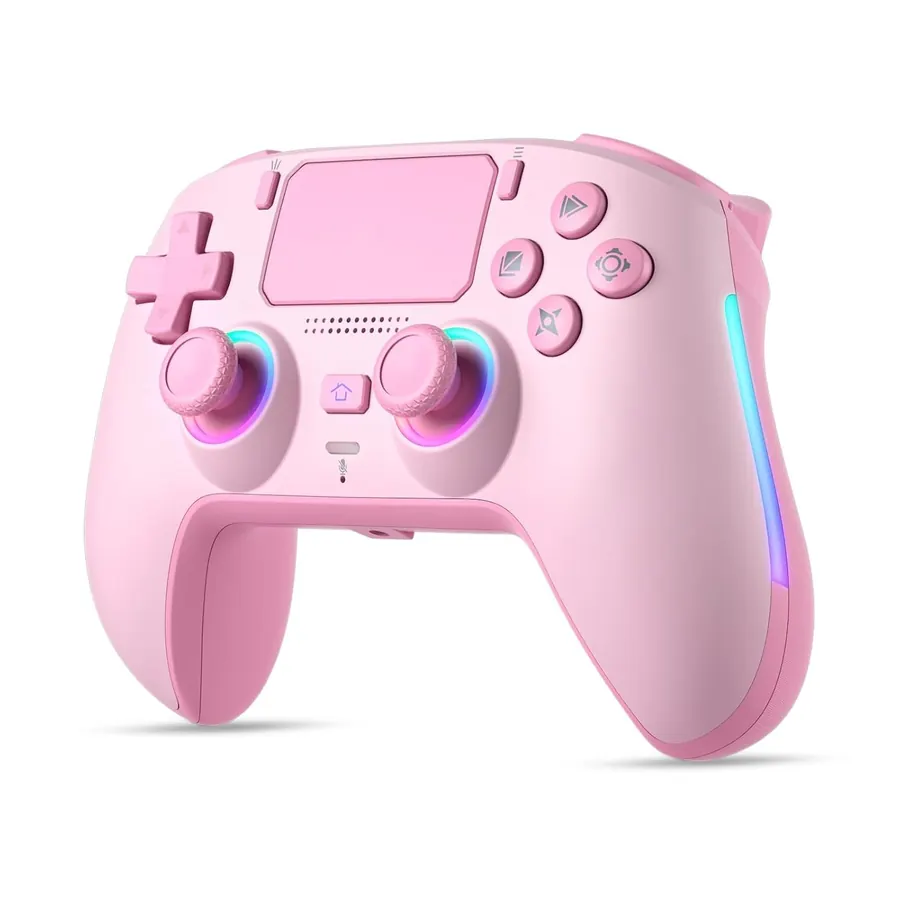
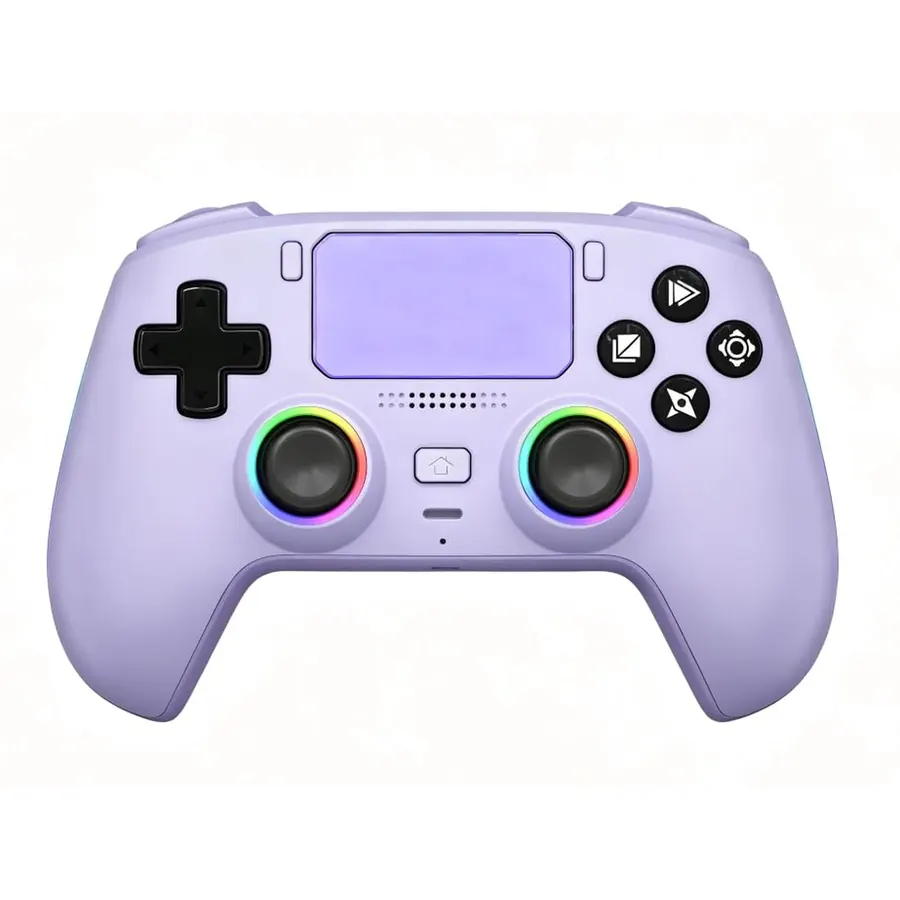
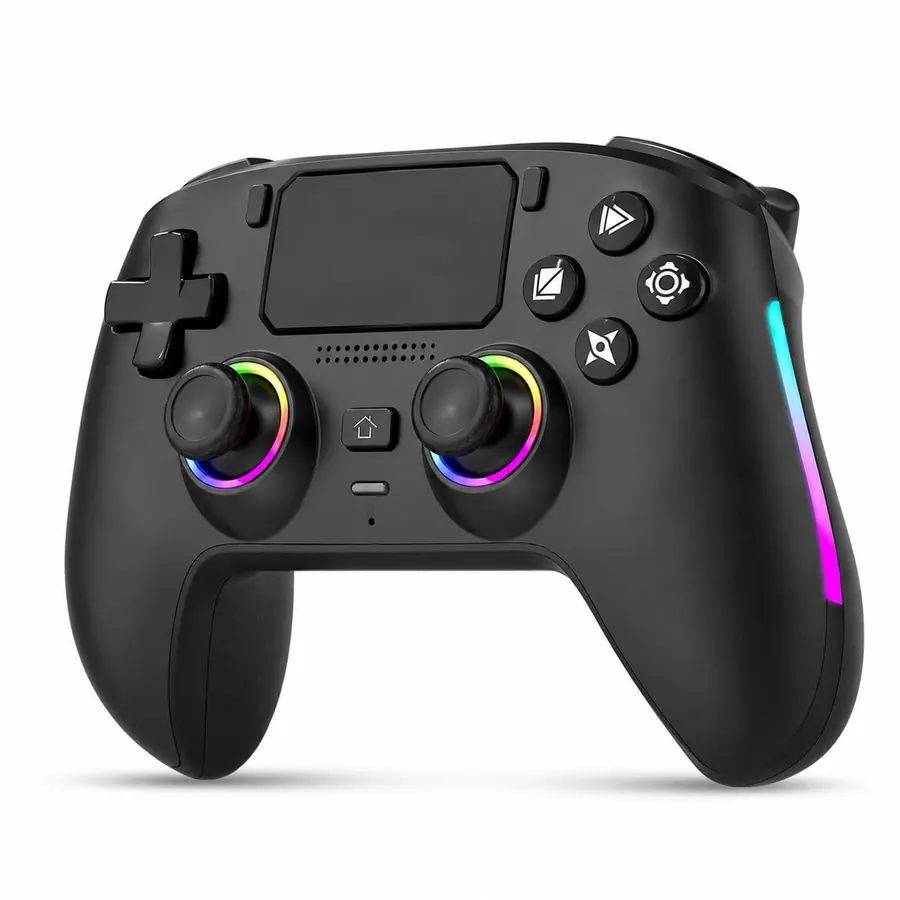
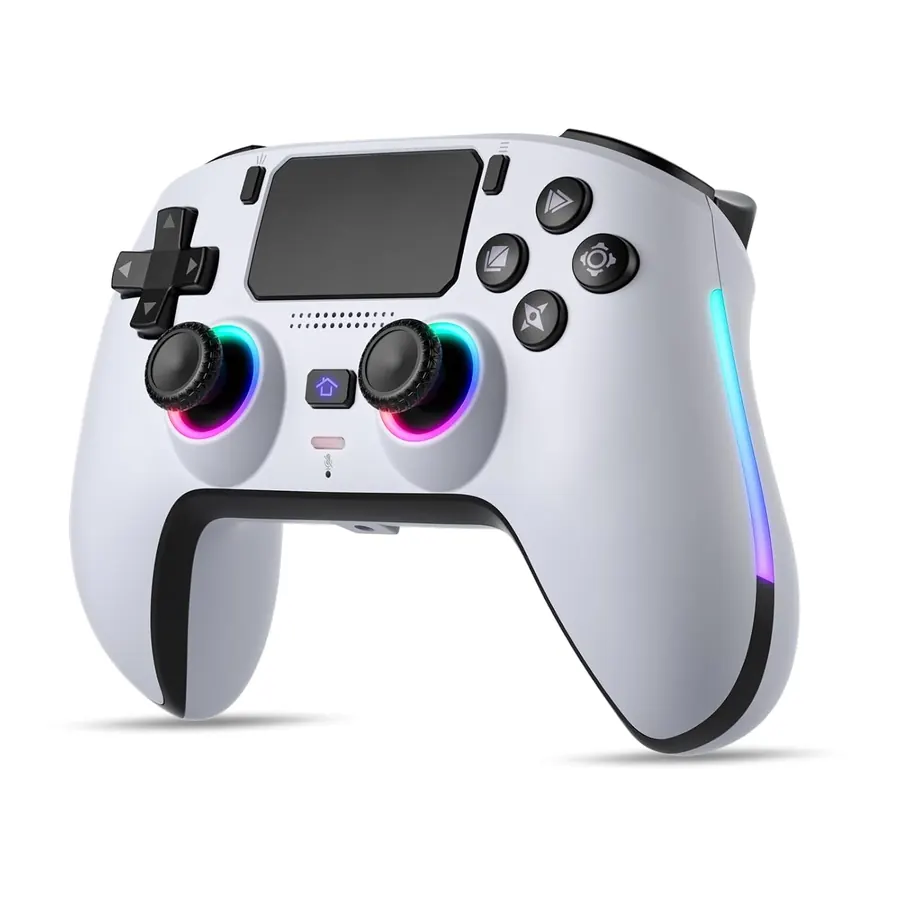
Please press and hold the Triangle button on the controller
before connecting the included high-speed cable between your computer and the controller.
After connecting, release the Triangle button and click "Upgrade".
A full progress bar indicates a successful upgrade.
Method 2 — If Method 1 fails
ADFU installer
If the above operation fails, install and open the file named
AdfuInstall.exe,
then click "Upgrade".
A full progress bar means the upgrade was successful.
Method 3 — If "Upgrade" is grayed out
Audio driver
Should the "Upgrade" button appear grayed out,
please install the audio driver file
Media_Product_Tool_V2.10.05.zip,
then reopen PS5_CM003_V1.05_V223_Update.exe
and repeat the initial step.